Multiplayer Couch Co-Op
While the founders were away demoing Burbank at GDC 2025 in San Fransisco, another engineer (Peyton Bischof) and I worked on an experimental version of Burbank that was couch co-op. The idea was to see if we could get two players on a local network to join a single scene for Burbank. Originally, we wanted to get the Dialogue cards playable from phones. We decided to get a first iteration in "Jackbox Games Style" to get the initial networking and client front end working. Html and Unreal don't mix the best, but we got it to cook and work!
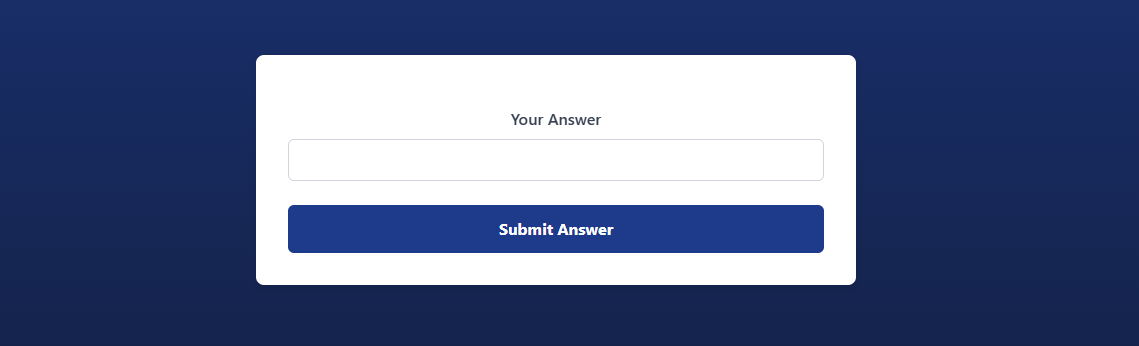
I will say that any frontend developer looking at the client UI might have a heartattack with the way we (actually just me I take full responsibility) shoved every element in a div that was either "display: none" or not as players progressed through the game.
WebServer System Design
On the Unreal Engine side, we created a new WebServerManager that used Mongoose to make websocket connections. This manager is responsible for the communication updating clients about game state and will also tell the game what client input was and process it. The WebServerManager for the "jackbox" mode starts listening at some local url and port and continually polls for any connections that join afterwards. The WebServerManager also creates a unique room code for all players to join.
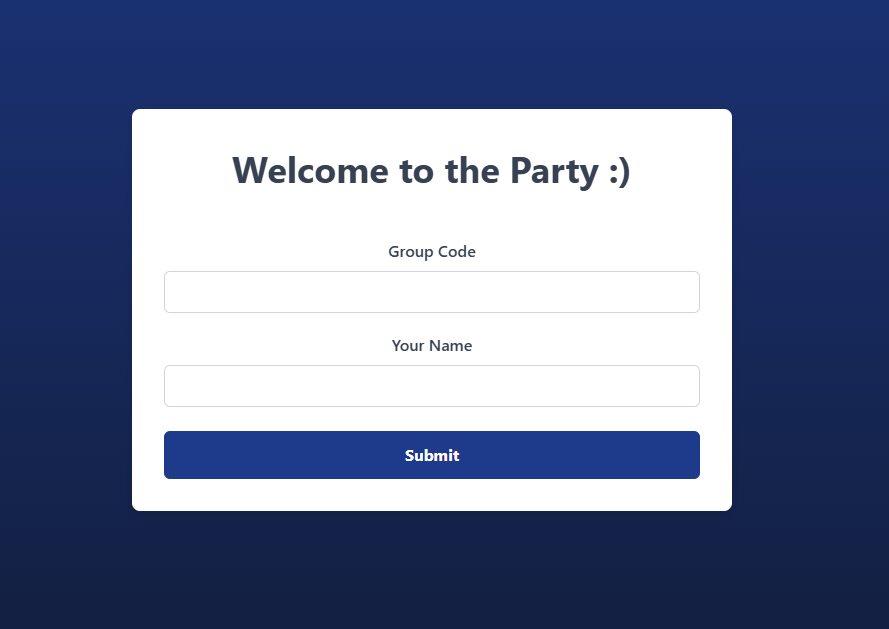
As the first player joins, the WebServerManager sends back a success code so that the UI on the client side can update. The manager keeps track of the "Room" state. We also created a viewmodel that would update the Unreal UI to reflect the state of the "Room". After everybody joins the room, the party leader has the option to start the game with a button they can only see.
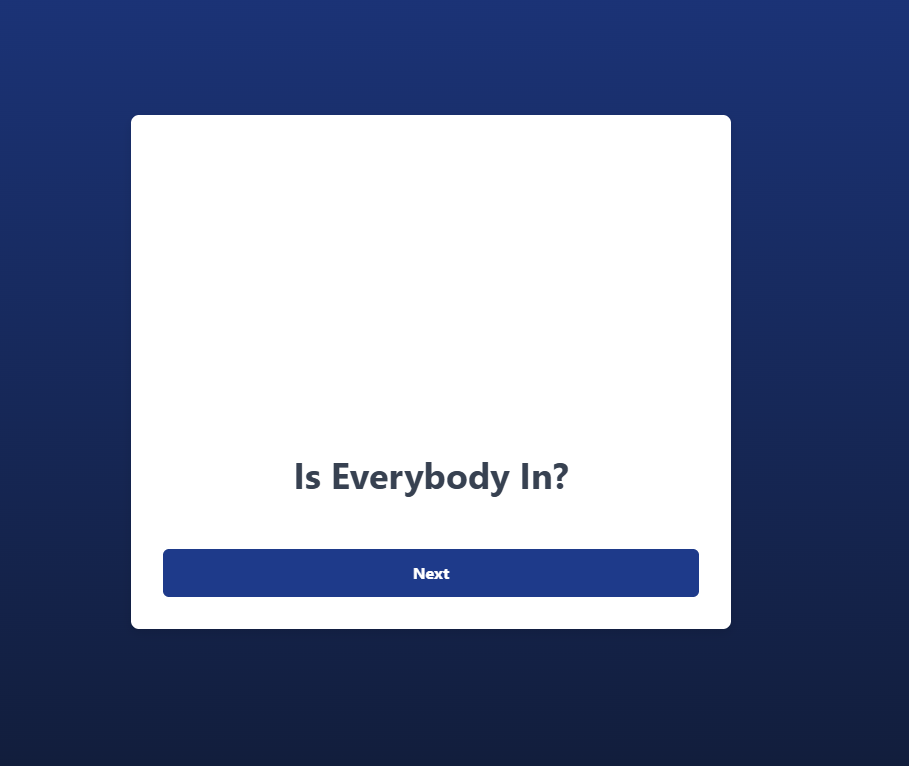
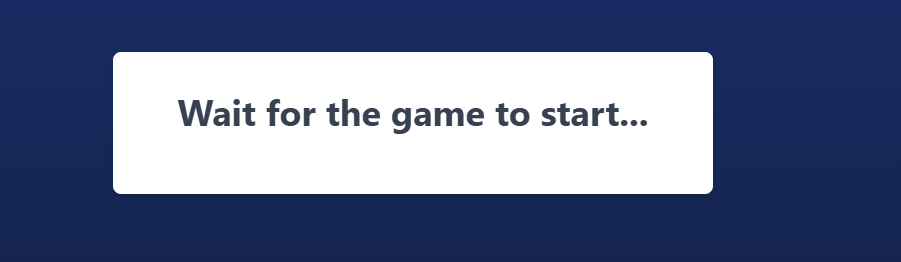
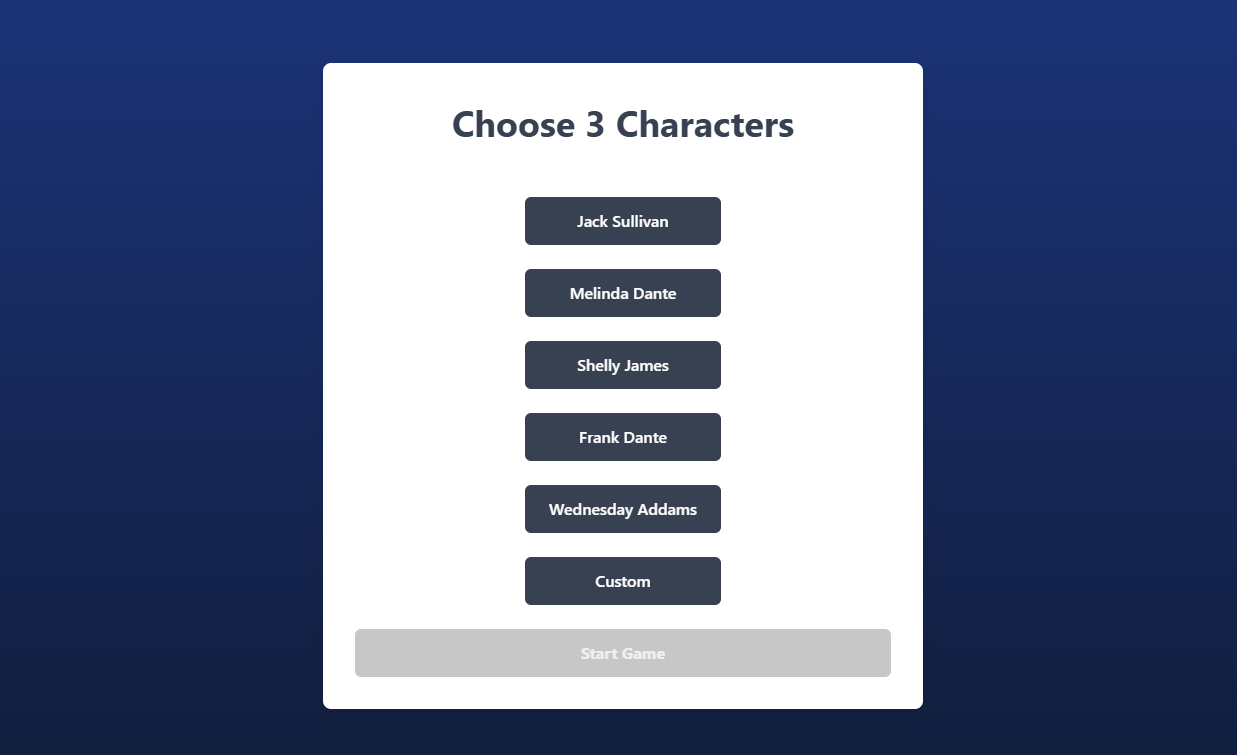
When the party leader starts the game, the client frontend sends a "roster" token to the web server which uses delegates to notify the Unreal end to progress to the next roster game stage. The UI sends selection responses to the server so it can update all the other clients on what characters got taken to lock them from others. The party leader then continues to the start of the actual game as soon as the party leader indicates through the client UI with a special token. The main screen through Unreal UI shows an explanation of what the character selection is for and how the game will proceed.
All clients get updated to a wait screen as the game on the Unreal end progresses. We also created a MidPartyManager actor that manages game state during the party game mode. The MidPartyManager does bookkeeping for player scores, player input, and audience responses. The playermode for this party mode manages the placement of the 3 selected characters from the roster where each round has a prompt. The prompt could be "Make a pickup line". All client connections move on to the player response screen where they can create their answer to the prompt. The chosen characters will then all have a single response and their personal rating of the answer based on their memories and backstory.
There is also a small chance to "crit" called an Audience Reaction. If a player comes up with a response that is especially striking to one of the characters, you'll get a popup saying they felt some way about it and will give you a bonus to your score. Temp art included Attorney Ace objecting on behalf of the character that liked the response (or really hated it).
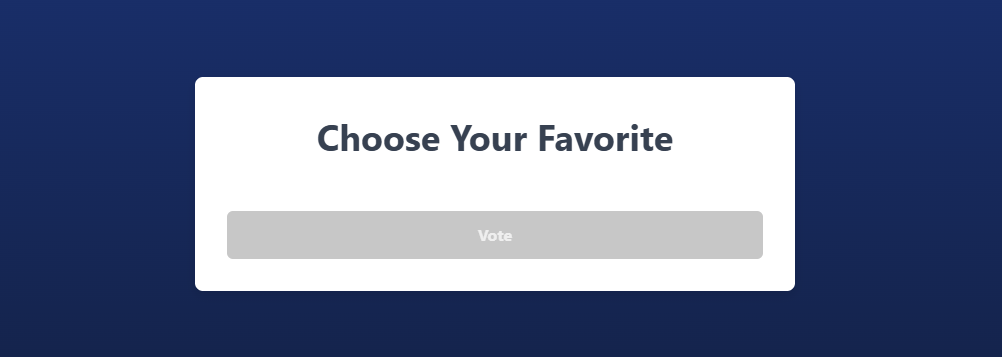
After all responses are collected and all characters have created and expressed their opinions with scores, there is a voting round that takes place. The party manager informs the web server what to send to all the client connections. The player responses will populate the client UI as a clickable list where you can vote for one answer.
After the voting round, the current leaderboard is displayed or the winner is celebrated if that was the last round.
At the very end, the party leader has the option to play again or return to the main menu.