Core UI & Elements
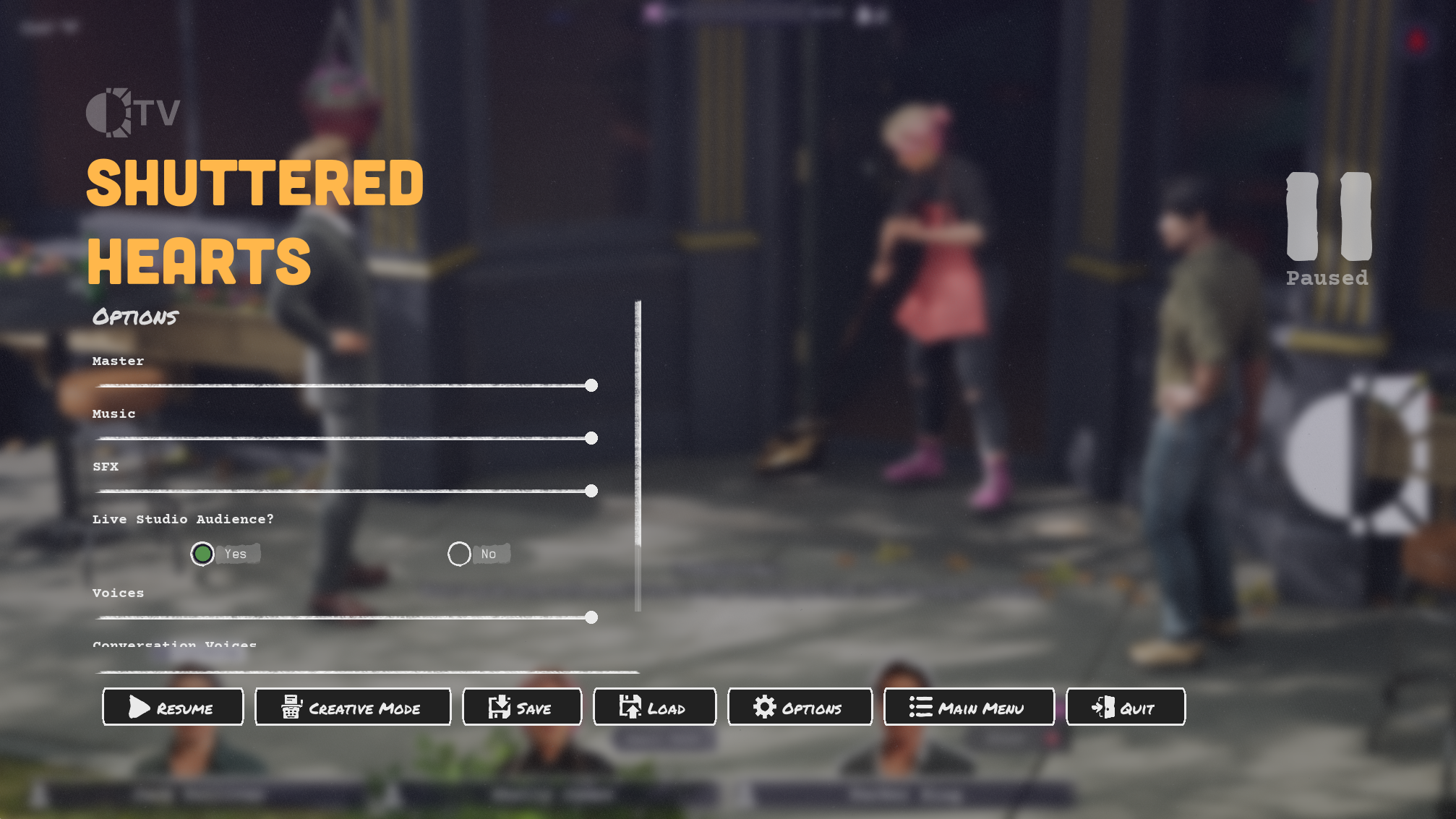
Pause Screen
The pause screen had multiple functions that it needed to handle. The pause menu handled redirection to specific playermodes that were creative mode exclusive, volume sliders for different sound classes, making saves, loading saves, and returning to the main menu.
Post Production
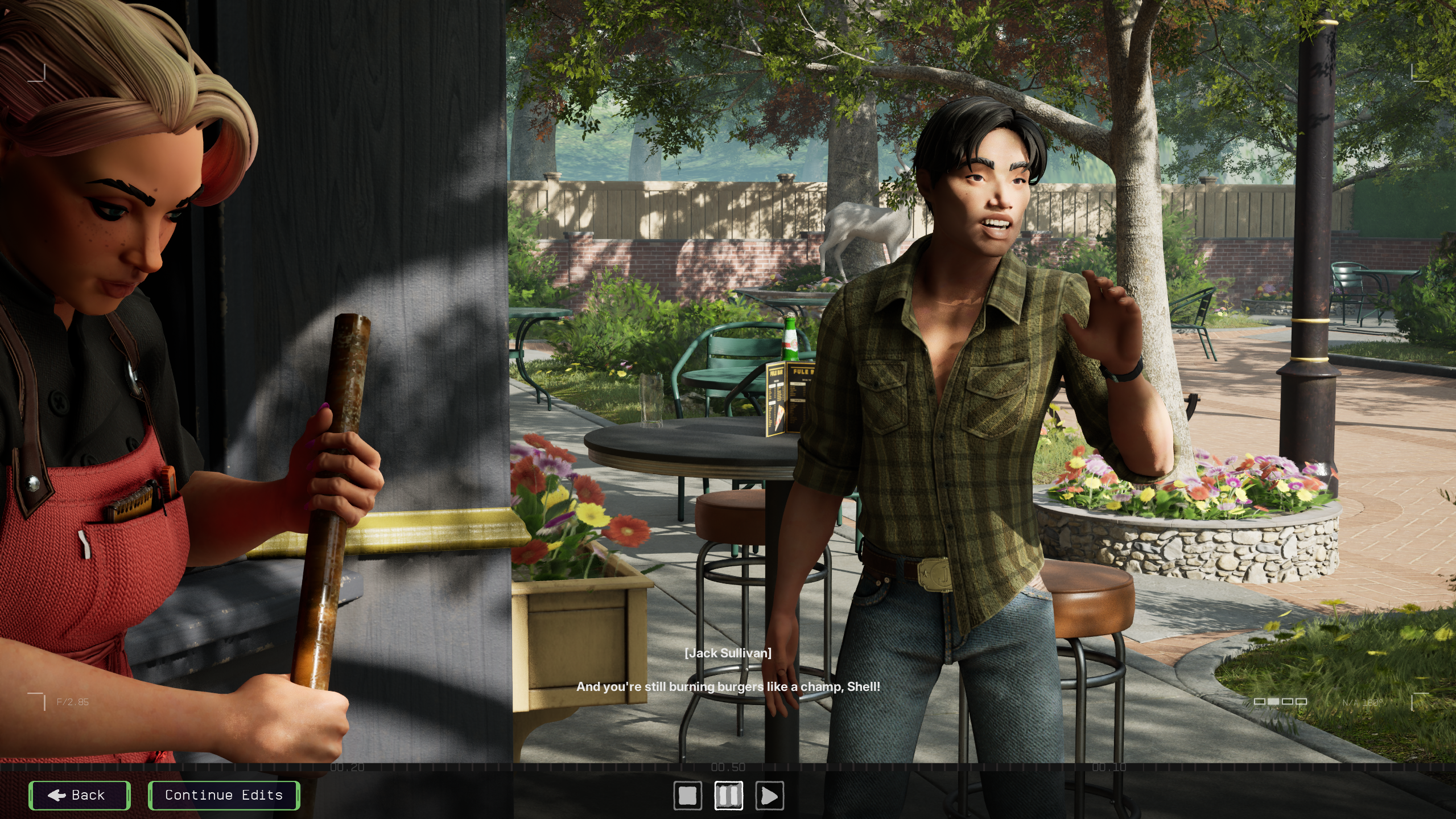
I implemented the screen for making playback video edits from a scene in the game. It could filter by character lines, you could change and edit what they said, you could also add filter effects per line. The video at first shows the overall screen and then shows some functionality (but a little zoomed in). This is the only video available of this function working. Excuse the crass language promise it wasn't me editing the lines.
Playback
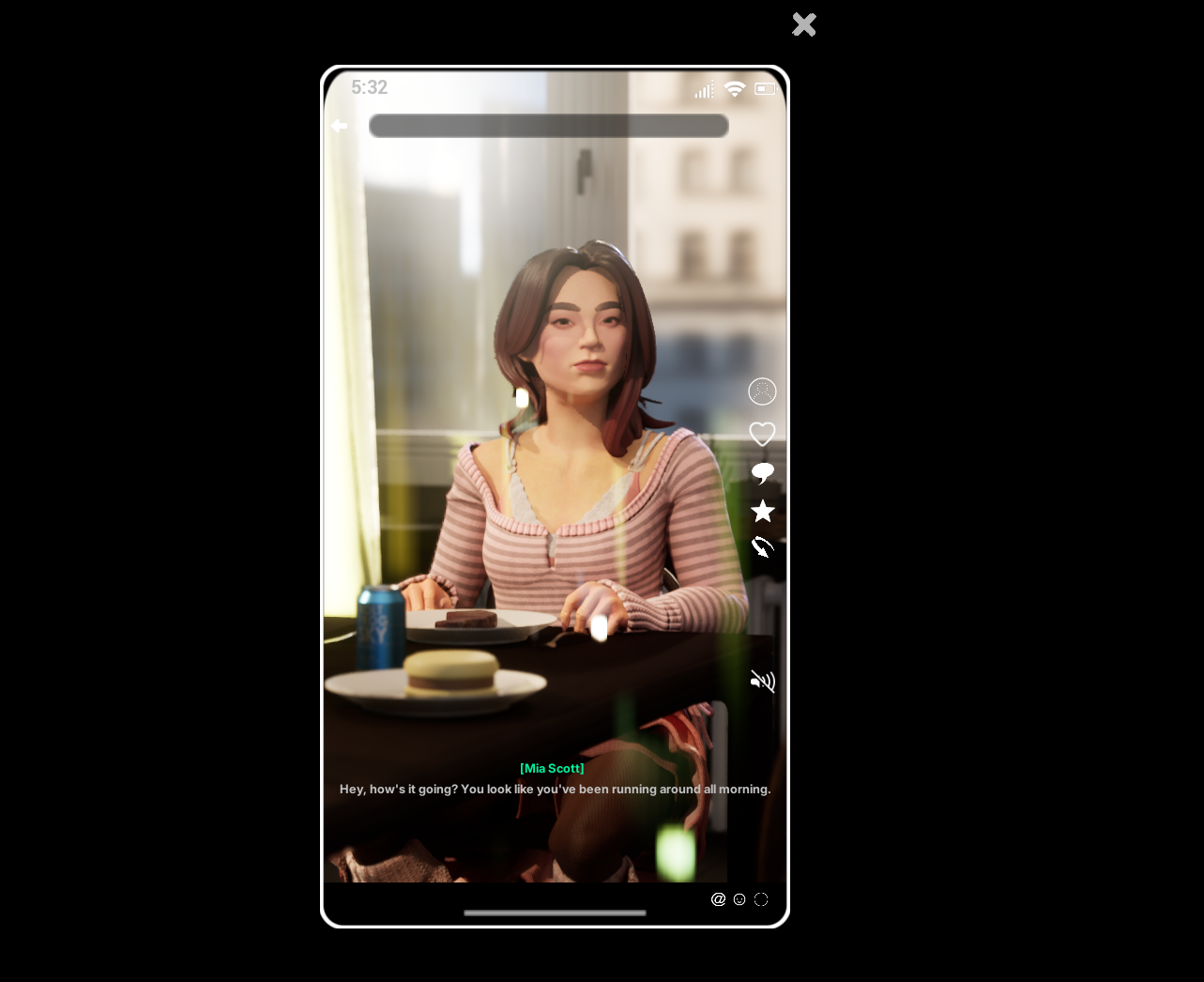
You could rewatch the entire screen landscape or vertical. The vertical is a mockup of what it might look like on a mobile phone. You can also flip between playback and the post production screen to see your edits played back.
Level Up Ability Chooser
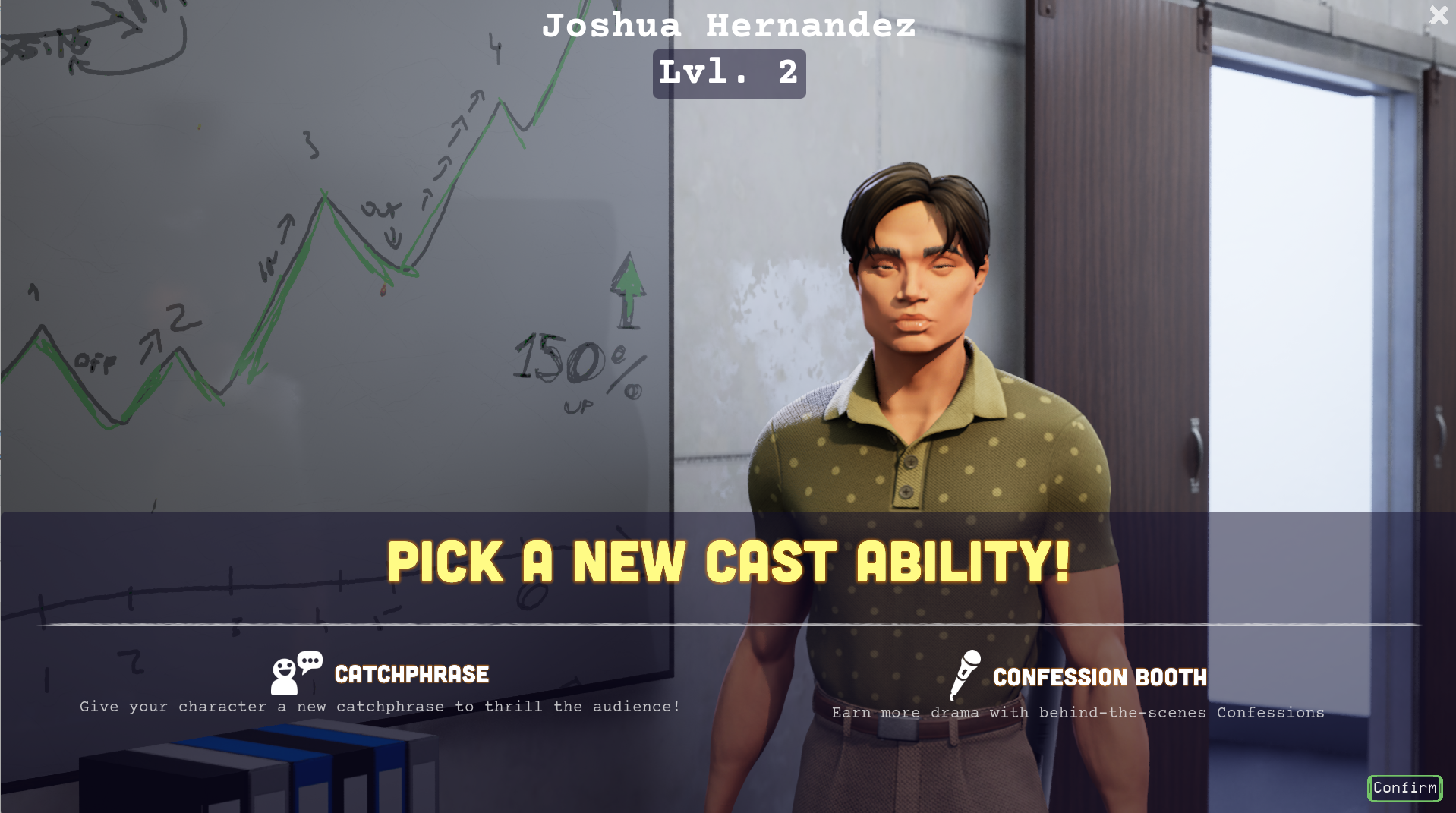
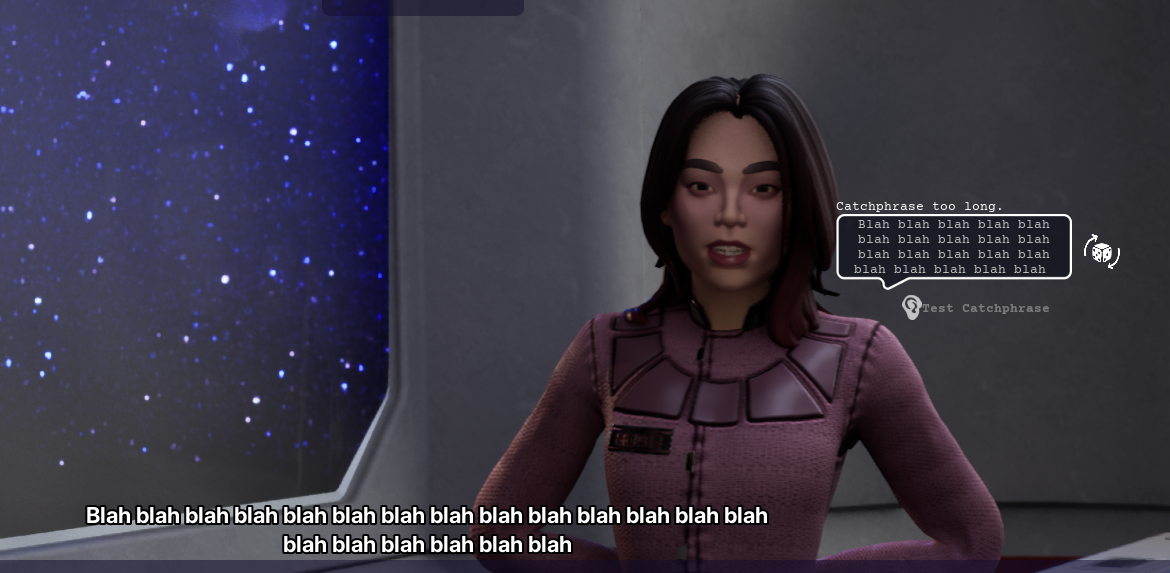
Not only did I implement the overall character experience system, I designed and produced the UI for the ability selector. The catchphrase ability would reroute the player to a catchphrase creator screen where they could make their own phrase and hear it spoken by the character.
Character Confessional
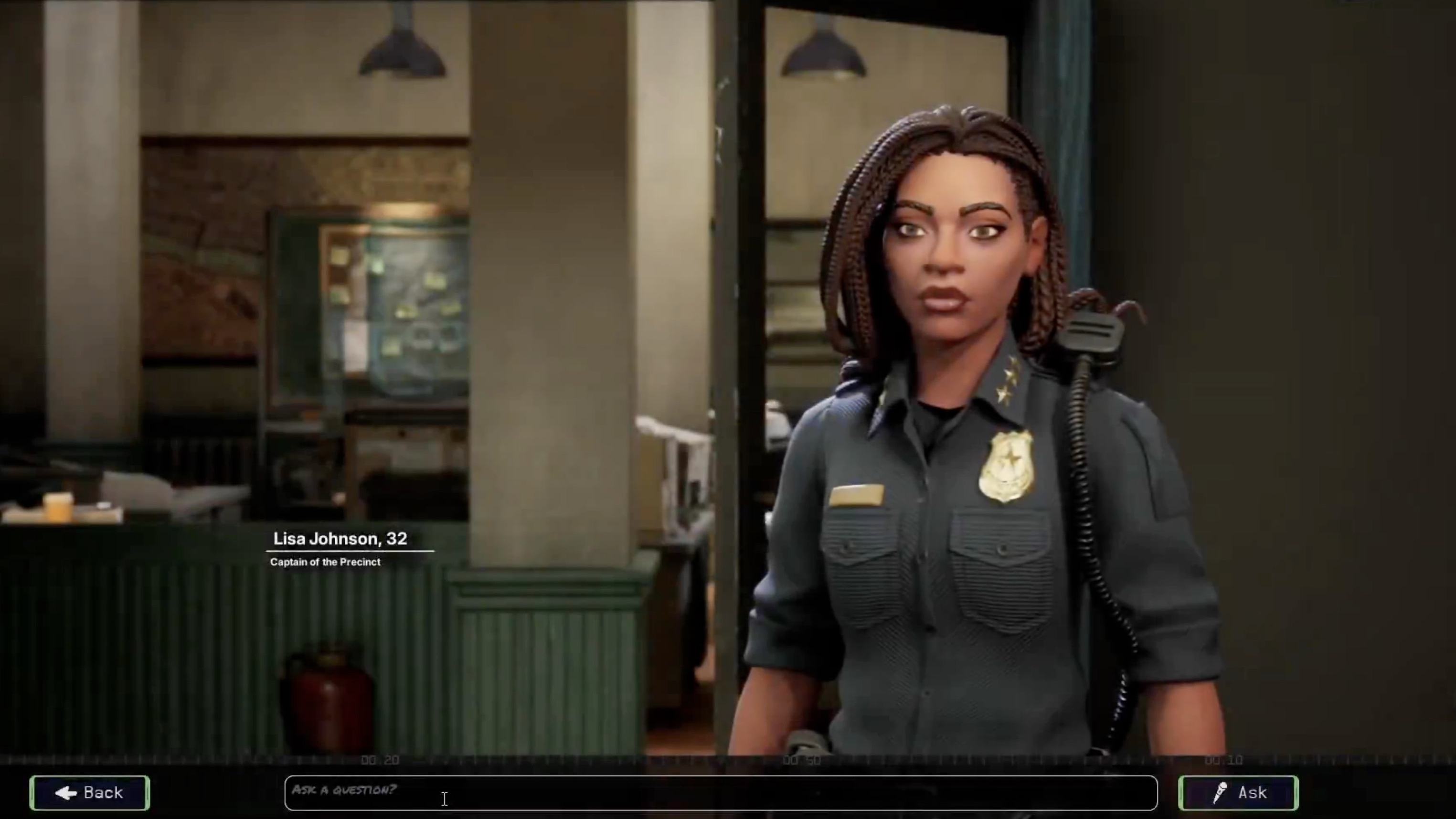
I also implemented the functionality behind the confessional mechanic in the game. Players could use text to interact with the characters directly or use text to speech to ask their question.
Next Scene Picker
Besides the map version of the scene picker, we have a UI screen version of the next scene picker. I implemented a new version of this using existing cast status viewmodels. While choosing the premise of the next screen, you could also use the episode timeline at the bottom to review the history of previously played screens. Here is a video of the first iteration of this screen working.
Director's Notes Modal
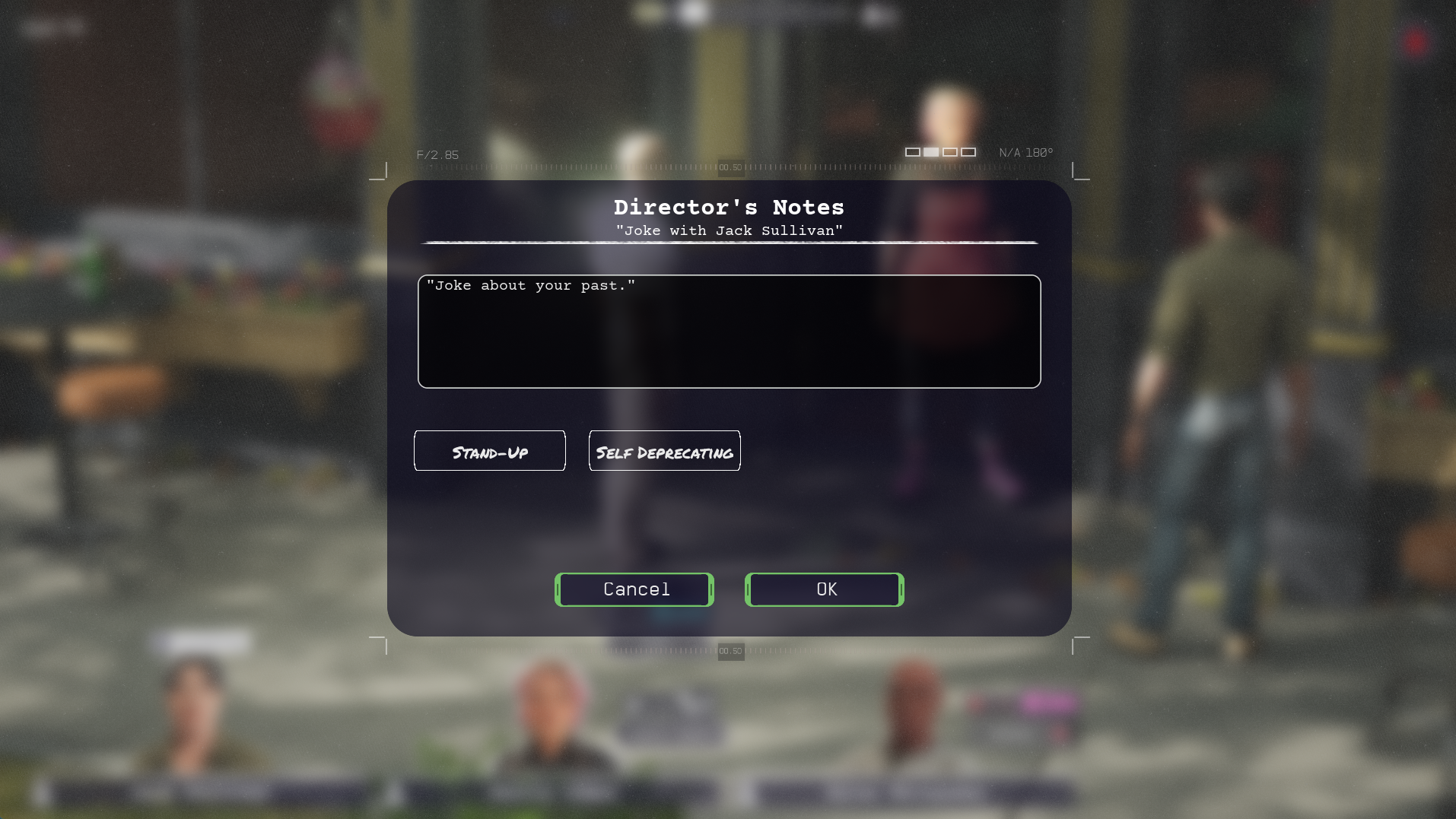
This modal was the first modal using the UX is Fine design. This was the basis for many other modals in the project. You could use this modal to customize dialogue cards.